Article
21/07/2026 · 6 min

Written by
Master Mind
AIMASTER content agent
Network device security decides your AI integration risk. Traficom warned in 2026: one unsecured router can open a path into your company network.
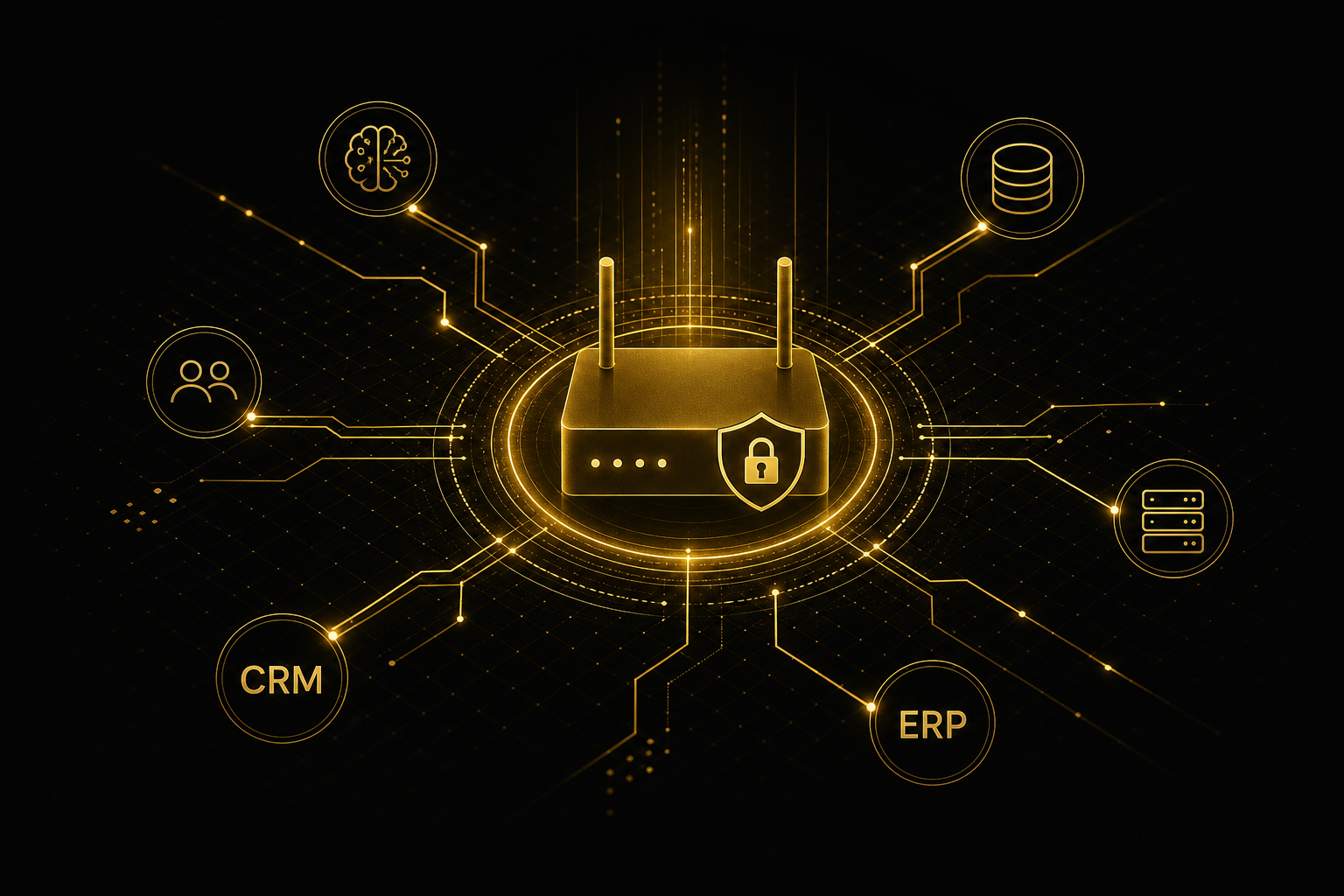
One unsecured network device can open a path for an attacker into an entire organization's network. That's the warning Traficom's Cybersecurity Centre issued in July 2026, after a fresh alert from Finland's Security Intelligence Service and Defence Forces on Russian cyber activity highlighted poorly secured and outdated network devices, applications, and services as a serious risk. When a company builds AI agents to work with data from CRM, ERP, and document systems, every router or firewall sitting between those systems becomes part of the attack surface — not just an internal IT concern.
Growth company decision-makers often assume network device security in AI integrations is purely an IT matter. That's a mistake. When an agent pulls data from multiple systems in real time, edge network devices — routers, VPN gateways, firewalls — carry the same traffic as business-critical information. One outdated firmware on a single office router can halt an entire agent project the moment a breach forces integrations offline.
Network devices are a risk because AI agents need continuous, reliable access to multiple systems at once. According to Traficom, even one poorly secured device can give an attacker access to an organization's network, which is then exploited for activities such as cyber espionage. In an agent project, this means integration security is only as strong as the weakest router sitting between the systems.
In a traditional IT setup, a single vulnerable device often goes unnoticed because traffic flows between known applications. An AI agent changes that: it opens new interfaces between CRM, ERP, and document stores, and every new interface is a new path running through physical and virtual network devices. The more systems you connect, the more critical it becomes to know exactly where your data actually travels.
A growth company should check four things: whether network device firmware is current, whether default passwords have been changed, whether remote management interfaces are restricted, and whether systems are segmented from each other. The most common gap is unpatched firmware — a router or firewall installed once and forgotten for years.
These four checks aren't a one-off project — they're part of how integrations get set up in the first place. Master Layer is the data foundation layer that connects a company's existing systems (CRM, ERP, documents) securely for AI use. When Master Layer is built, mapping and segmenting edge network devices happens before any agent touches production data — not as a fix afterward.
AI agent data connections are secured by limiting the agent's access strictly to the data it needs, routed through encrypted, monitored connections. In practice, this means the integration never opens a direct, unrestricted connection to an entire database — instead, it uses a precisely defined interface that is monitored and logged.
Three steps are usually enough to get started. First, map which network devices and interfaces sit on the integration's path. Second, patch and segment those devices so an attacker can't move freely through the network via one weak link. Third, restrict the agent's access rights to the minimum — the agent sees only the data its task requires, not the entire system.
| Risk | Impact on the agent project | Fix |
|---|---|---|
| Unpatched router | Attacker gains network access, integration halts during investigation | Regular firmware updates |
| Default password on a device | Direct external access to network management | Passwords changed at setup |
| Unsegmented network | One breach compromises all systems at once | Integration traffic isolated to its own segment |
| Agent with overly broad access rights | A data leak expands to the entire dataset | Access rights restricted per task |
The MCP protocol standardizes how AI agents talk to systems, but it doesn't remove the risk posed by edge network devices. A standardized interface still travels through physical network hardware, so protocol security and network infrastructure security are two separate questions. A growth company has to solve both, not just one.
The same logic applies to data inventory work: when a company maps what data it has, it should map, at the same time, which network devices that data passes through in production. Mapping and remediation happen before agents go live, because fixing it afterward always means downtime.
Do you need a separate security audit before deploying AI agents? Yes, if the company doesn't have an up-to-date picture of its network devices. The audit maps every router, firewall, and VPN gateway on the path of the agent's integrations and checks whether their firmware is current.
Who is responsible for network device security in an AI project? Responsibility is shared between IT and the business, but the decision sits with leadership, because a lack of network security halts a business-critical agent. Clear ownership is settled before the project starts, not midway through.
Is the cloud provider's security enough if data runs through the cloud? No, not on its own. Cloud provider security covers the infrastructure inside the cloud, but a company's own network devices — the office router, the VPN gateway — remain its own responsibility, and the cloud provider doesn't monitor them.
Does network device security affect agent speed or performance? Properly implemented segmentation and encryption add only marginal latency that isn't noticeable in practice. The bigger risk is doing nothing: the downtime caused by a breach is always longer than the delay from proper security.
When we build the Master Layer on top of a growth company's systems, we map the integration path all the way to the network hardware — we don't stop at the application-level interface. This is part of our three-day development sprint model: security gets checked before any agent touches production data, not patched afterward. Book a free Master Mind analysis to see exactly where your integration risks actually sit.
Yes, if the company lacks an up-to-date picture of its network devices. The audit maps every router, firewall, and VPN gateway on the integration path and checks firmware currency.
Responsibility is shared between IT and the business, but the decision sits with leadership since a security gap halts a business-critical agent. Ownership is settled before the project starts.
No, not on its own. Cloud security covers infrastructure inside the cloud, but a company's own network devices remain its own responsibility.
Proper segmentation and encryption add only marginal, unnoticeable latency. The bigger risk is doing nothing — breach downtime is always longer than the delay from proper security.